

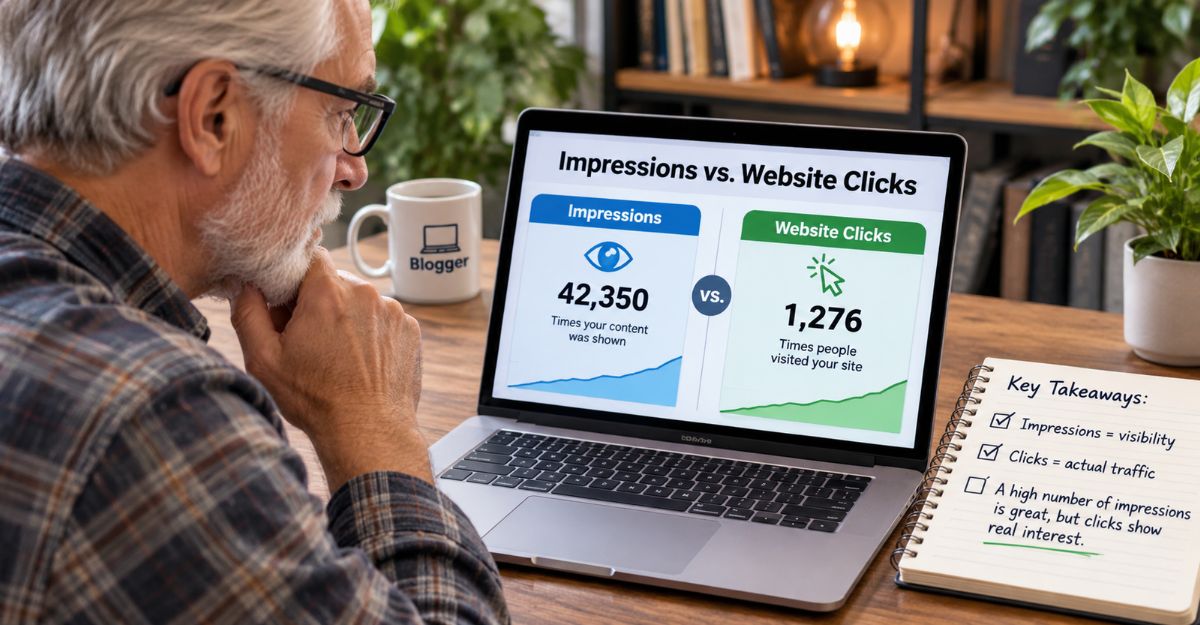
Have you ever opened your Pinterest analytics, noticed your impressions had dropped, and immediately wondered whether you were doing something wrong?
I know how that feels. You spend time creating pins, writing descriptions and sharing helpful content, only to see your numbers rise one day and fall the next. It can leave you questioning whether Pinterest is worth the effort.
But here is something I have learnt along the way. Not every number in Pinterest analytics tells you how well your business is doing. Some numbers tell you how many people are discovering your content. Others show whether people are interested enough to take action. Understanding the difference can save you a lot of unnecessary frustration.
In this article, I want to walk you through the Pinterest numbers that matter most, especially if you are using Pinterest to bring visitors to your blog or build an affiliate marketing business.
My Personal Experience With Pinterest Analytics
When I started taking Pinterest more seriously as a traffic source for my affiliate marketing website, I naturally paid attention to impressions. After all, seeing your content appear in front of more people feels like progress. But I eventually realised that impressions were only one part of the picture.
I could have a pin receiving plenty of impressions without many people clicking through to my website. Another pin might receive fewer impressions but attract visitors who were genuinely interested in what I had written. That taught me something important: I would rather have a smaller number of interested visitors than thousands of impressions that never lead anywhere.
These days, I follow a more organised Pinterest routine. I create pins for my Beginner Guide, my Wealthy Affiliate Review and supporting blog articles. I also review my results weekly instead of worrying about every daily change. And while I am still learning what works best for my audience, I have become much more interested in understanding what people do after discovering my pins.
If you are just getting started, my Affiliate Marketing Beginner Guide explains how content, traffic and affiliate marketing fit together.
1. What Are Pinterest Impressions?
Let’s start with the number that usually gets the most attention. Pinterest impressions tell you how many times your pins appeared on someone’s screen. That might happen in Pinterest search results, the home feed or other areas of the platform.
However, there is something beginners often misunderstand. An impression does not mean somebody clicked your pin, visited your website or even stopped to read your content. It simply means your pin was displayed.
For example, imagine one of your pins receives 5,000 impressions during the month. That sounds encouraging, and it can be. It suggests Pinterest is distributing your content. But if those impressions produce very few outbound clicks, you still have some work to do.
Perhaps your headline isn’t attracting the right audience. Maybe the image looks attractive but doesn’t give people a strong reason to visit your website. Or perhaps Pinterest is still learning which audience responds to your content. The important thing is not to treat impressions as the final result. Think of them as an indication of visibility.
2. Outbound Clicks: The Number I Pay Particular Attention To
If you are using Pinterest to promote your blog, outbound clicks deserve special attention. An outbound click happens when somebody follows a pin’s destination link away from Pinterest. For bloggers and affiliate marketers, that is an important step. Your pin has attracted someone’s attention, and they are interested enough to visit the page you are promoting.
Let’s imagine two pins. Pin A has 10,000 impressions and 20 outbound clicks. Pin B has 3,000 impressions and 60 outbound clicks. Which one would I prefer? For my blogging business, I would be more interested in Pin B. Although it reached fewer people, it encouraged more visitors to take the next step.
That doesn’t automatically mean those visitors will subscribe to my email list or purchase anything. But at least they have moved from Pinterest to my website, and that is where I have an opportunity to help them further.
This is also why I make sure my pins lead to relevant articles rather than sending everybody to the same page. A pin about starting affiliate marketing should lead to beginner information. A pin discussing Wealthy Affiliate should lead to a page that answers questions about that platform. The closer the connection between the pin and the destination, the more useful the experience becomes for the visitor.
Understanding your Pinterest numbers is one part of building an affiliate marketing business. But knowing where to send that traffic is just as important. If you’re still putting the pieces together, my Affiliate Marketing Beginner Guide walks you through the process, one step at a time.
3. Outbound Click Rate: Understanding How Well Your Pins Work
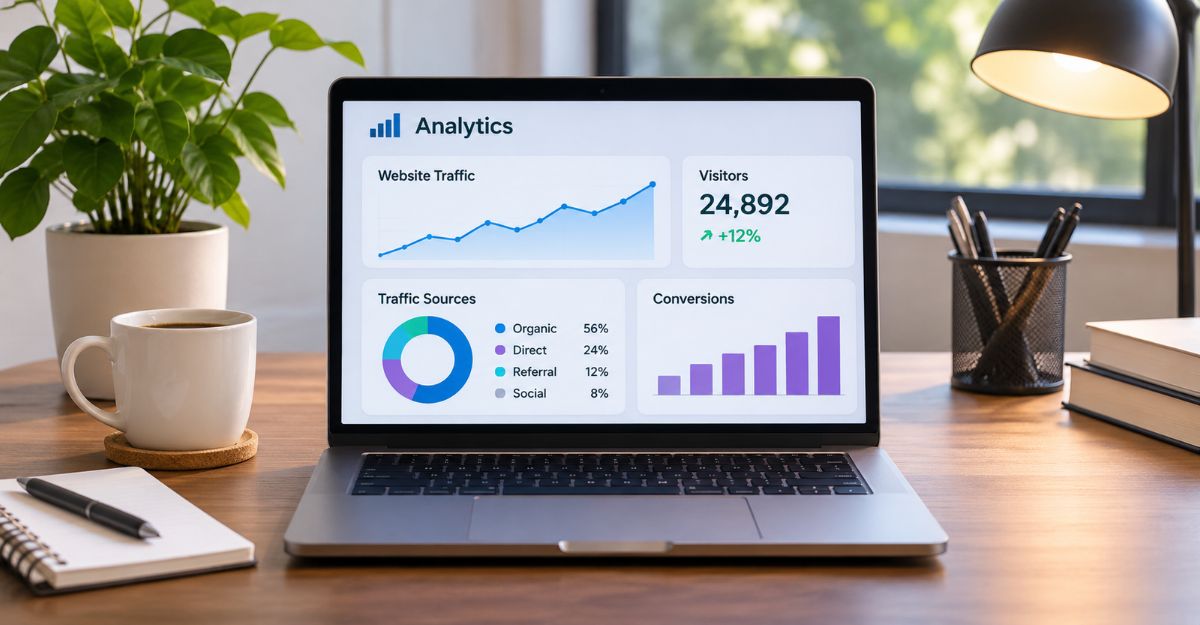
Now let’s look at a number that can help you compare pins more fairly. Your outbound click rate shows the relationship between outbound clicks and impressions. The calculation is straightforward.
Outbound click rate = Outbound clicks ÷ Impressions × 100
Suppose your pin receives 2,000 impressions and 40 outbound clicks. That gives you an outbound click rate of 2%. Now imagine another pin receives 5,000 impressions but only 25 outbound clicks. Its outbound click rate would be 0.5%. The first pin is encouraging a larger proportion of its impressions to turn into website visits.
That information can help you make better decisions about future pin designs. Perhaps the first pin used a question that immediately connected with beginners. Maybe the headline was clearer or the image created more curiosity. Rather than guessing, you can start looking for patterns.
I wouldn’t judge a pin from one day’s results, especially when the numbers are small. I prefer to give my content time and compare results over a longer period. There is no single click rate that guarantees success for every account or niche. What matters is whether your own pins are improving and which messages consistently attract interested visitors.
4. Saves and Pin Clicks: Useful, but Not the Whole Story
Pinterest also provides information about saves and pin clicks. A save happens when somebody saves your pin to a board. That can be encouraging because it suggests they may want to return to your content later. For example, a beginner might save a pin explaining the first five steps of affiliate marketing because they want to follow those steps when they have more time. That is a useful signal. However, a save does not guarantee a future website visit.
Pin clicks are another metric worth understanding. They reflect interactions where someone opens or views your pin more closely within Pinterest. These interactions can help you understand interest in your content, but they are not the same as outbound clicks.
For my own business, I look at these numbers as supporting information. If a pin receives plenty of saves but few outbound clicks, perhaps people find the information useful enough to keep on Pinterest. If another pin attracts strong outbound clicks, it may be doing a better job of encouraging people to read the full article. Neither result should be ignored.
But I always come back to the purpose of the pin. If my goal is to bring readers to my website, outbound clicks remain a particularly important measurement.
5. How I Review Pinterest Analytics Without Getting Overwhelmed
One mistake I believe beginners should avoid is checking their statistics constantly. When you look at your numbers every few hours, it becomes easy to react emotionally to ordinary fluctuations. A quiet day might make you think something has gone wrong. A busy day might make you believe you have discovered the perfect strategy. Neither conclusion is necessarily correct.
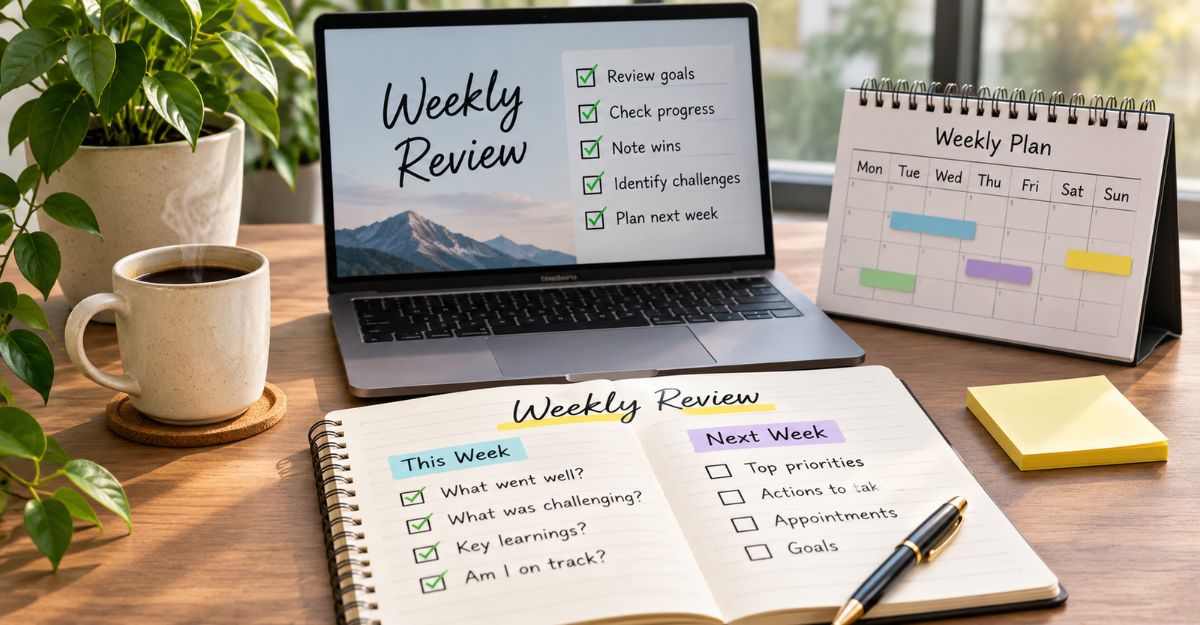
That is why I prefer a weekly review. I have a regular Friday routine where I look at Pinterest alongside Google Analytics and Google Search Console. Each platform tells me something different. Pinterest helps me understand how people are interacting with my pins. Google Analytics helps me investigate what visitors do on my website. Google Search Console shows how my website performs in Google Search. Together, they give me a more useful picture than Pinterest impressions alone.
My weekly checklist is quite simple. I compare impressions with the previous period, check total outbound clicks and outbound click rate, and identify which pins attracted the most website interest. Then I look at saves and pin clicks for additional clues, compare my Beginner Guide, review and supporting article pins, and check website traffic in Google Analytics. Finally, I record one lesson and one improvement for the following week.
I don’t believe beginners need a complicated spreadsheet filled with dozens of measurements. Start with a few useful numbers and build the habit of reviewing them consistently. Over time, patterns become easier to recognise.
6. What to Do When Your Pinterest Numbers Drop
Sooner or later, you will probably experience a drop in Pinterest impressions or clicks. It happens, and it can be discouraging. But a decline does not automatically mean your account is failing. Pinterest distribution can change as content competes for attention, audience interests shift and individual pins perform differently.
The first thing I would do is check the period being compared. Are you looking at one day, seven days or an entire month? A single quiet day doesn’t tell you very much. Next, I would check whether outbound clicks have also dropped. If impressions are lower but outbound clicks remain steady, your content may still be attracting interested visitors. If both numbers have declined over several weeks, that is a reason to investigate further.
Look at your recent pins. Are the headlines clear? Do they answer questions people are genuinely asking? Are the destination pages relevant? You might also experiment with a different image style or a more specific headline. For example, instead of creating another pin that simply says “Affiliate Marketing Tips”, you could try something like “What Should a Beginner Do First in Affiliate Marketing?” The second headline addresses a particular problem.
And that is what I keep reminding myself about content creation. We are not simply creating images to fill a Pinterest schedule. We are trying to help people find answers.
For more on building a steady Pinterest approach, read my article about Why Pinterest Is Perfect for Affiliate Marketing Beginners.
7. Connecting Pinterest Analytics to Your Affiliate Marketing Goals
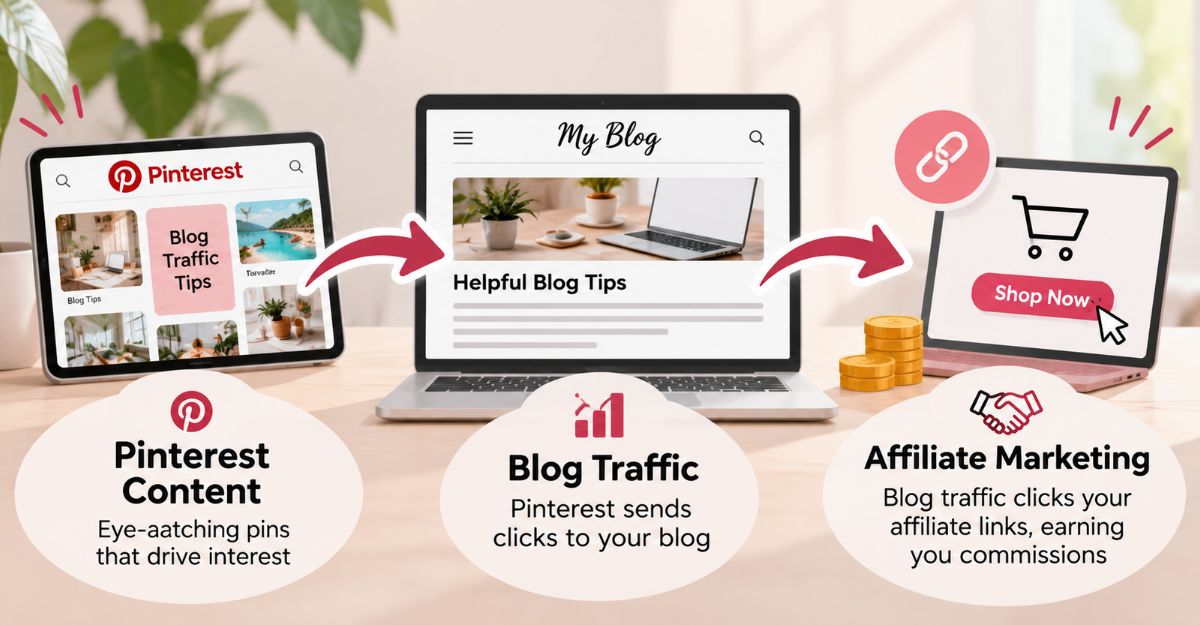
This is where the numbers become more meaningful. If you are building an affiliate marketing business, your ultimate goal probably isn’t to collect Pinterest impressions. You want people to discover useful content, visit your website, trust your recommendations and eventually take an action that benefits them. That might mean subscribing to your email list, reading another article or clicking an affiliate recommendation.
But Pinterest alone cannot tell you everything that happens after someone arrives on your website. That is why I believe it is important to look beyond Pinterest analytics.
For example, suppose one of my Beginner Guide pins starts attracting more outbound clicks. I would want to know whether those visits are appearing in Google Analytics and whether readers are exploring the website. I would also want to understand whether any email subscriptions or affiliate referrals followed. I cannot assume that every referral came from Pinterest simply because Pinterest traffic increased.
Proper tracking matters. This is one reason I use tracking information in my Pinterest links. It helps me distinguish different campaigns and pin variations when reviewing website traffic, and it gives me a better foundation for future decisions. The more clearly I understand where my visitors come from, the easier it becomes to spend my time on activities that are actually helping my business.
Final Thoughts: Measure Progress, Not Just Popularity
When you are new to Pinterest marketing, it is tempting to measure success by the biggest number on the screen. I understand that feeling. But after spending time building my own content and Pinterest routine, I have learnt that impressions alone don’t tell the complete story. Visibility matters, but so does what happens next.
Are people clicking through to your website? Are certain topics attracting more interest? Are your pins helping the right audience find the information they need? Those are the questions I would encourage beginners to ask.
You don’t have to understand every Pinterest metric immediately. Start by watching impressions, outbound clicks and outbound click rate. Then use saves, pin clicks and your website analytics to build a fuller picture. Most importantly, give yourself enough time to recognise patterns before making major changes.
I still believe consistency, patience and a willingness to learn are more valuable than chasing impressive numbers for their own sake. A smaller audience that genuinely wants your help can be more valuable than a large audience that never takes the next step.
Not Sure What Step to Take Next?
If you are still building the foundations of your affiliate marketing business, my Affiliate Marketing Beginner Guide walks you through the process of getting started, creating helpful content and working towards your first results. You don’t need to master every marketing platform at once. Start with the basics and build from there.
These articles will help you connect Pinterest traffic with your wider affiliate marketing strategy.
- Why Pinterest Is Perfect for Affiliate Marketing Beginners
- Pinterest vs Google SEO: Which Is Better for Beginners?
- Why Pinterest Compounds Over Time
- How to Turn One Blog Post Into Pins, a Carousel and a Reel
- Affiliate Marketing Beginner Guide: Step by Step for 2026
Frequently Asked Questions
What is the most important Pinterest metric for bloggers?
If your primary goal is attracting visitors to your blog, outbound clicks are one of the most useful metrics. They show how often people follow your pin’s destination link away from Pinterest. However, you should also examine what those visitors do after reaching your website.
Are Pinterest impressions important?
Yes. Impressions help you understand how often your pins are being displayed. They are useful for measuring visibility, but they do not necessarily indicate website traffic or conversions.
What is a good outbound click rate on Pinterest?
There is no universal rate that guarantees success. Results depend on your niche, audience, pin design and other factors. Compare your own pins over time to understand which topics and designs attract the most interest.
How often should beginners check Pinterest analytics?
A weekly review is a practical starting point. It gives you enough time to examine patterns without reacting to every daily change. Monthly comparisons can provide additional perspective.
Why are my Pinterest impressions increasing but outbound clicks staying low?
Your pins may be reaching people without giving them a compelling reason to visit your website. Review your headlines, images, audience relevance and destination pages. Try different approaches and compare the results over time.
Can Pinterest analytics tell me which pins generate affiliate sales?
Not by itself. Pinterest can show outbound clicks, but tracking affiliate sales generally requires additional information from your website analytics, campaign tracking and affiliate programme reports.
Ready to Build Your Affiliate Marketing Foundation?
Pinterest can help people discover your content, but it works best when you have something genuinely useful waiting for them on your website.
If you are unsure where to begin, visit my Affiliate Marketing Beginner Guide and take the next step at your own pace.
Remember, building a successful affiliate marketing business is not about getting everything perfect on day one. It is about learning, improving and continuing to move forward.